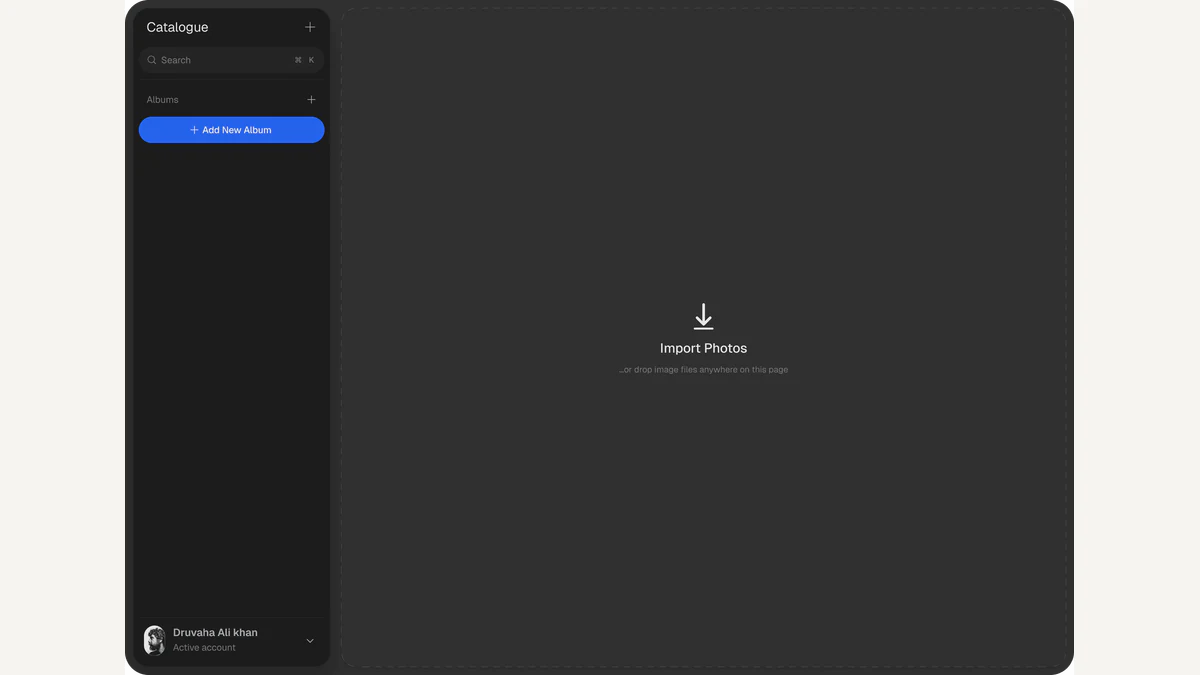
Photon puts an explanation beside the editing controls. Aftershoot's new free RAW editor combines manual adjustments with an optional AI Coach, inviting photographers to connect a visible change in their picture with the control that produced it. That relationship is the most interesting part of its first presentation.
PetaPixel's October 6 report introduces the release. The official Photon site describes local processing, non-destructive editing, and JPEG exports, with versions for Mac and Windows. Its stated offer has no subscription tiers or watermarked exports. These are the developer's announced features, with the photographic value resting on what the guided editing approach helps a reader understand.
A control is useful when its effect becomes legible
Many editing decisions start with a concrete observation: the subject's face is too dark, the sky attracts too much attention, or a neutral wall appears warmer than expected. A slider becomes meaningful when the photographer can connect that observation to a particular change.
Exposure is a useful example. Moving it changes overall brightness, which may help a dark subject but can also push a bright background further from the intended balance. A successful edit depends on the relationship between those areas. The target is a picture that conveys the photographer's intention, rather than a position on a slider that is universally correct.
Photon's promotional presentation makes that connection explicit by showing an exposure adjustment alongside guidance. An explanation can give the photographer a reason to inspect the result. The valuable learning moment comes when the person sees what happened elsewhere in the frame and decides whether the change still serves the picture.
That differs from treating an edited result as a finished answer. The photographer remains responsible for the image's emphasis, color, and mood. Coaching has the strongest potential when it makes those choices easier to recognize and repeat in another photograph.
RAW keeps the rendering decision open
A RAW image file preserves camera data for later processing rather than supplying only the camera's finished JPEG rendering. Adobe's Camera Raw introduction explains this underlying workflow. An editor converts that data into a visible image. Brightness, color balance, and contrast participate in that rendering, which is why two treatments of the same file can feel markedly different.
The distinction matters for learning. A photographer can explore how the rendering changes while keeping the underlying capture. Photon's stated non-destructive approach preserves original files and allows adjustments to be undone. The original remains the starting point, while the current edit expresses a set of decisions about its appearance.
An export is another stage. A JPEG is a rendered deliverable suitable for viewing and sharing, with the edit incorporated into its pixels. Keeping the original alongside that deliverable preserves room for a different interpretation later. It also makes it easier to revisit a decision after the photographer's judgment develops.
RAW does not make every capture recoverable. The useful discipline is still to expose and compose deliberately, then inspect the actual file. Editing can develop what is present in the capture. It cannot substitute for every detail, moment, or relationship that the camera failed to record.
Manual editing gives the explanation a test
Aftershoot says the AI Coach is optional and manual editing remains available. That arrangement gives the photographer a way to compare a suggestion with another treatment. The editor's announced controls include light adjustments, white balance, vibrance and saturation, plus crop and straighten tools.
A portrait illustrates why those controls answer different questions. Brightening the frame may reveal a face more clearly. Adjusting white balance can change the relationship between skin and surrounding light. Cropping changes the face's scale and position without changing the illumination itself. These decisions can support one another, but they are not interchangeable.
An explanation that helps separate those effects has practical value. It encourages the photographer to identify the problem before accepting a change. If the intended subject already has enough emphasis, a brighter rendering may simply weaken the picture's atmosphere. If the composition is crowded, a global brightness adjustment will leave the crowding intact.
The same logic applies across a group of photographs. Photon advertises presets and batch copy-and-paste. A shared treatment can establish consistency, while differences in light or subject still require attention. A setting that suits one frame supplies a starting point for another, with the visual result providing the final test.
Local processing changes the working arrangement
The developer says Photon processes photographs on the computer and can edit offline. That places the file and its editing session close together. A photographer working away from a reliable connection can consider the announced workflow without building every adjustment around a remote upload.
Local operation is also a specific claim about how the product handles an editing task. The site's privacy policy remains the relevant reference for the broader service relationship. The announcement's offline promise does not, on its own, measure speed on a particular computer or establish compatibility with every newly released camera.
The free offer lowers the stated cost of trying this approach. The more durable question is what a photographer retains after using the guidance: a clearer understanding of brightness, color, and framing, and a stronger ability to decide when an edit is helping. Photon is interesting because its initial presentation puts that learning relationship at the center of a RAW editor.