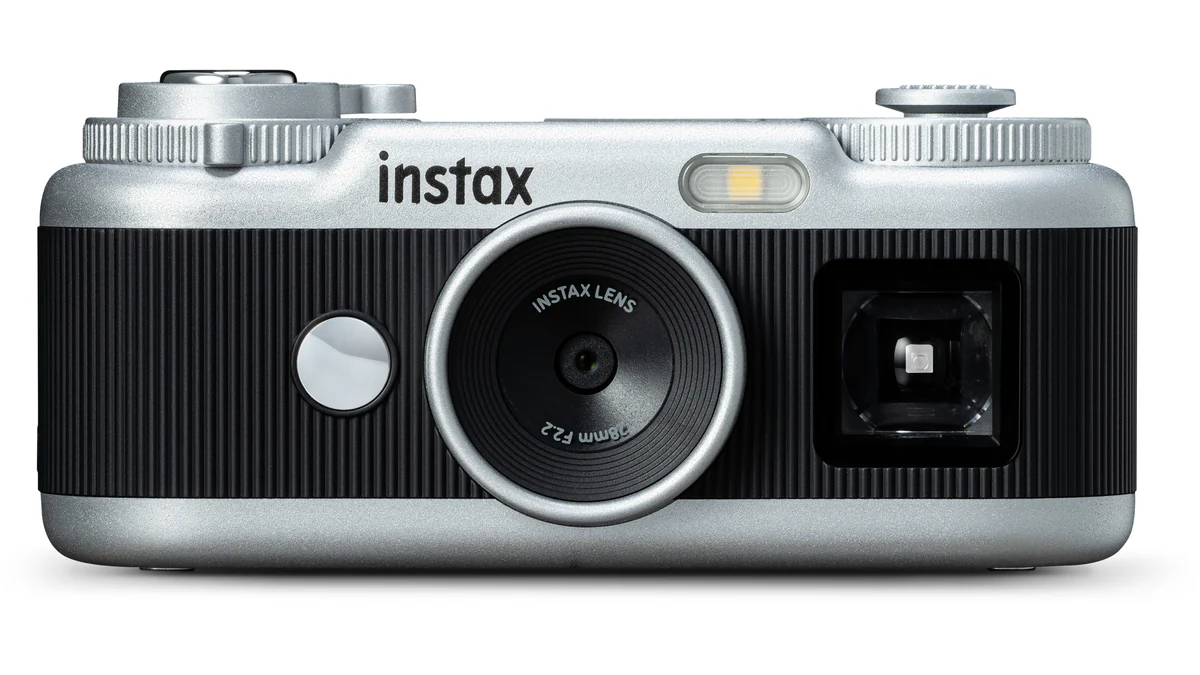
Raise it to your eye, or look down into the top screen. Fujifilm’s palm-size Instax Pal 2 offers two small gestures that can lead to different pictures. The miniature body also carries a dial and lever, giving the act of choosing a frame more room than its size suggests.
An optical viewfinder and a top monitor place composition on the Fujifilm camera itself. The original Pal concentrated much of the interaction on a shutter button and companion app. Here, the person holding it has more to decide before the shutter is pressed: how to look, which frame shape to use and which visual treatment to select.
The change is interesting because a small camera can invite a different stance as well as a lighter bag. A downward glance and an eye-level view put the photographer in different relationships with a table, a foreground object or another person. Those are compositional choices you can understand without treating the miniature styling as a performance claim.
In her hands-on account for Digital Camera World , Hillary K. Grigonis describes the one-inch top screen as a waist-level finder and gives the camera’s weight as 41 grams. A downward glance changes the photographer’s stance. At a table, on a walk, or among friends, a lower viewpoint can bring foreground objects into the composition and change the relationship between a face and its surroundings.
Eye-level framing offers a familiar way to follow the scene. A lower, top-screen view can give the foreground more presence and change where a face sits against its surroundings. Each approach gives the small body a different physical use. Which one helps depends on the picture and the position you can take. The portrait-composition exercise isolates how a camera move changes the background before aperture changes.
The subject has to suit the response time
The Pal 2 records 10-megapixel images from a 1/3.06-inch sensor, holds 100 photographs internally and accepts microSD expansion. Those specifications describe a compact digital camera, with several possible destinations for the files. A picture might stay on a phone, become part of a sequence or be selected for a small print.
In her initial comparison, Grigonis places the early-2000s-style output above the Kodak Charmera and below the Camp Snap CS-Pro. She also reports shutter lag, making exact timing difficult. Keep that experience attached to her hands-on account. It gives a concrete question to weigh beside the design: will the camera respond in time for the kind of gesture you want?
A scene that lasts a little longer gives the photographer more room to work around that reported delay. Someone leaning at a window or a conversation across a table offers another rhythm from a fleeting expression. Framing and response time meet in the same decision, even when the camera is appealing for how little space it takes.
Black and white bodies, separate prints
The black and white versions have silver fronts and controls that recall miniature film cameras. The Pal 2 captures digital files and has no built-in printer. Physical output comes through compatible Instax Link printers or selected Evo and LiPlay hybrid cameras.
That separation leaves the decision to print for later. You can gather digital pictures, choose one for another person and then make the object. If the print is the goal, the camera remains one part of the equipment needed. Its film-camera appearance does not put instant film inside the body.
PetaPixel’s September launch coverage describes remote shutter and transfer functions in the app. It reports a US launch price of $169.95 and expected availability later that September. Fujifilm’s Japanese announcement specified October 9 for Japan. Those are the original launch terms of this first look, rather than a new stock check.
A print made for one person gives the selection a particular purpose. You might choose a quieter portrait over a larger sequence, or keep several frames together on a phone. The camera’s separate printing path leaves that editing decision open after the moment has passed.
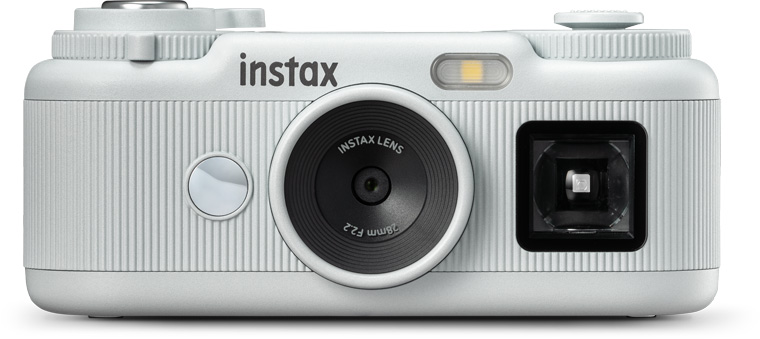
Choose the shape before the subject moves
Fujifilm’s product announcement specifies Mini, Square, Wide, and frameless formats. The framed options use 3:4, 1:1, and 16:9 proportions respectively. It also provides 30 digital effects, with six loaded onto the camera at a time and selected through the dial.
A vertical frame can give a standing figure room to fill the picture. A square asks how the person balances with the nearby setting. A wide rectangle can hold several people or a stretch of street. Changing the format moves the edges, so the same subject may call for a different position or a little more space.
Keeping one format for a short outing makes those edges easier to notice. You begin to recognize which scenes fit and where empty space helps. An effect can give a sequence a consistent color or contrast treatment too. The useful comparison is between the pictures that treatment helps and those whose light or detail it obscures.
The Animation mode combines up to ten frames into a short flipbook-style sequence. Here the subject is a movement rather than a single instant. A turn of the head, a hand entering the frame, or a repeated gesture gives the sequence a beginning and an end.
The moment of capture and the moment of giving
Our film-inspired digital photography essay follows three choices that meet here: image character, shooting rhythm and physical output. The Pal 2 gives each a separate control or stage. An effect shapes the file, the finder helps shape the viewpoint and another device makes the print.
In my Kisau Photography essay on camera brands that changed photography , I wrote about the pleasure of using the Instax Mini Evo and making small prints. The Pal 2 separates those experiences into different devices. That offers a distinct way to work: carry the camera, gather pictures, then decide which ones to give a physical life.
The miniature camera leaves the final commitment until after capture. A frame can stay one of many digital pictures or become the small print someone takes away. That gap between taking and giving is part of what makes the separate printing path worth considering.